How to collect payments and deposits over WhatsApp
Deposits reduce no-shows and protect your revenue. Here's how to take secure payments directly in WhatsApp.
Why take deposits at all
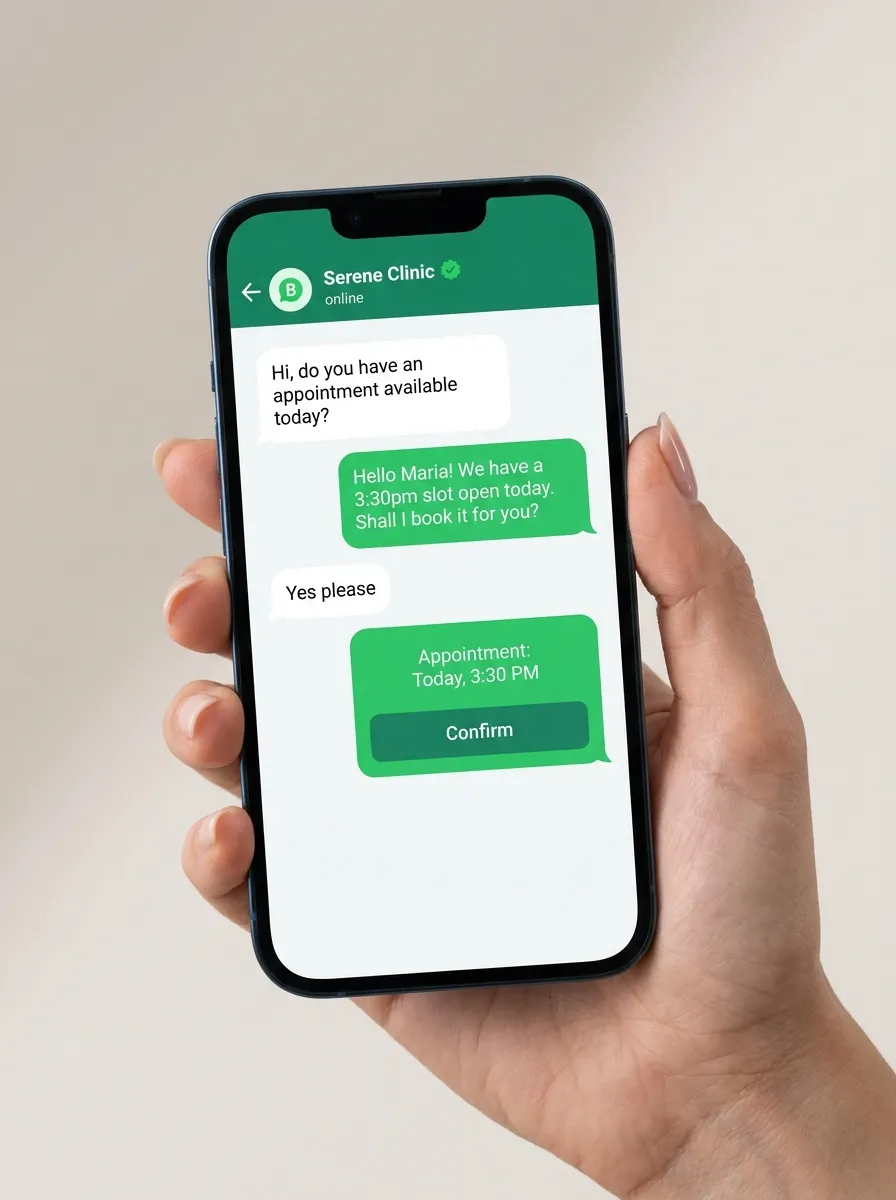
A small deposit at booking dramatically reduces no-shows — a customer who has paid something is far more likely to show up. Deposits also protect you against last-minute cancellations for high-value services like aesthetic treatments or long salon appointments.
Sending a payment link in chat
Instead of redirecting customers to a separate portal, a WhatsApp payment link lets them pay in a couple of taps without leaving the conversation. The payment is secure (handled by a payment processor), and the booking can auto-confirm the moment it's paid.
Automate follow-ups on unpaid links
Not everyone pays immediately. A good system gently follows up on unpaid links after a set interval, so you're not manually chasing — and it stops automatically once the payment lands or the cap is reached.
Confirmations and receipts
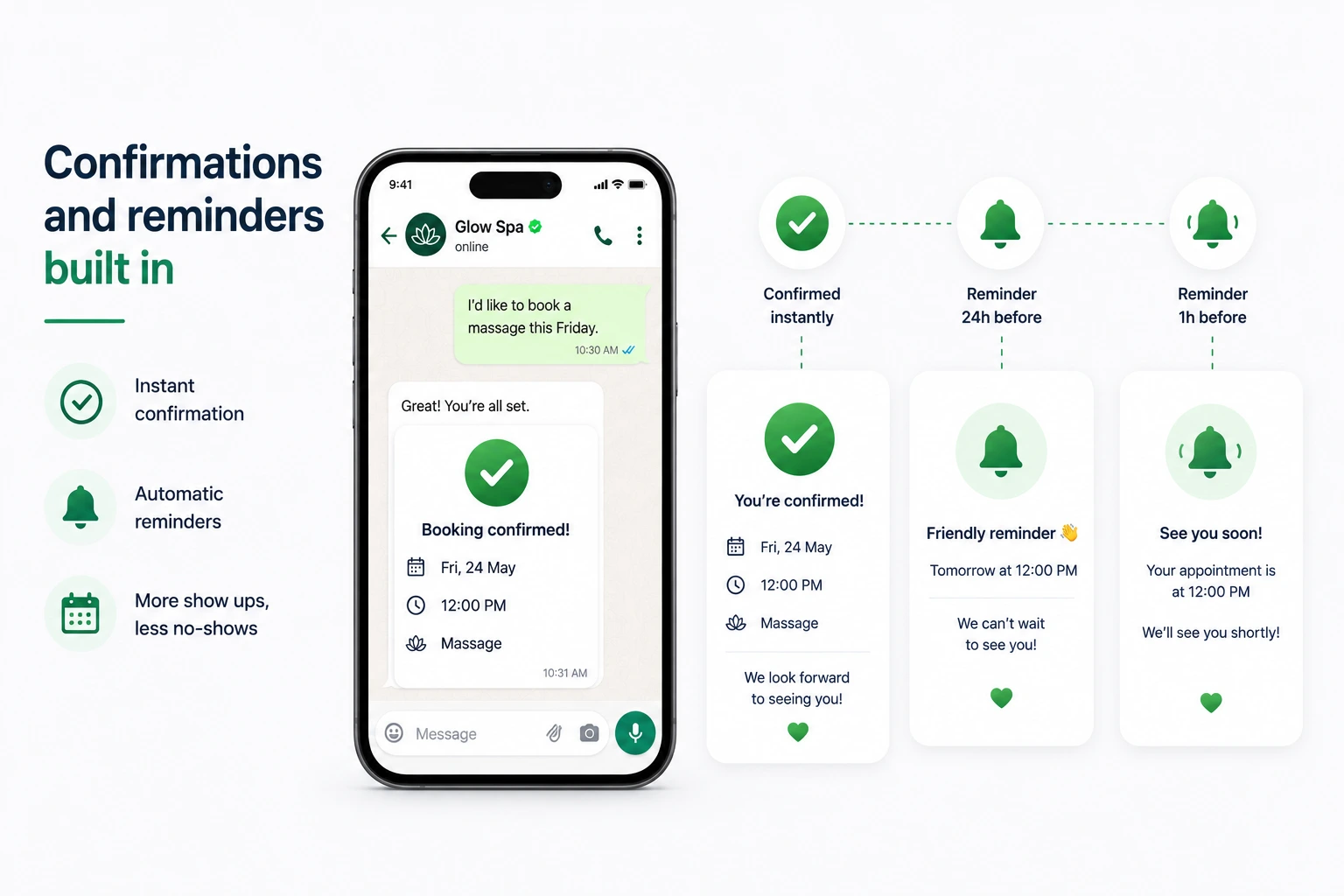
As soon as payment succeeds, the customer gets an instant confirmation in WhatsApp and the appointment is locked in. You can also send a branded invoice as a document — all within the same chat the customer already trusts.
Put these ideas on autopilot
See how KieServices books appointments, cuts no-shows, and collects payments over WhatsApp — automatically.
Get started